Reports
Operational incident & occurrence reporting workflows
Vega Reports empowers aircrew, dispatchers, and line maintenance personnel to report flight hazards, ground safety events, and operational anomalies directly into the Safety Management System (SMS). Featuring automated flight linkage and protected submission tiers.
Reports Console
Aviation Specification
Core Capabilities
Architected for flight deck and operations control.
Engineered to replace fragmented email threads and manual paper filing with structured, verifiable compliance workflows.
Standardized Occurrence Intake
Collect occurrences across flight operations, ground handling, technical dispatch, and cabin operations using standardized UTC timestamps and taxonomy.
Protected Submission Tiers
Promote open safety reporting with voluntary, confidential, and anonymous submissions. Anonymous reports are stored without a submitter account link.
Local Apron Draft Cache
Aircrew can draft occurrence reports on the ramp or without internet connectivity, saving drafts securely in local browser storage until network sync.
My Reports & Investigation Tracking
Personnel can track the processing status of their non-anonymous reports, while the safety committee conducts structured reviews and corrective action plans.
Real Operational Interface
Operational screens from the Vega demo.
Captured directly from Vega Altair demo
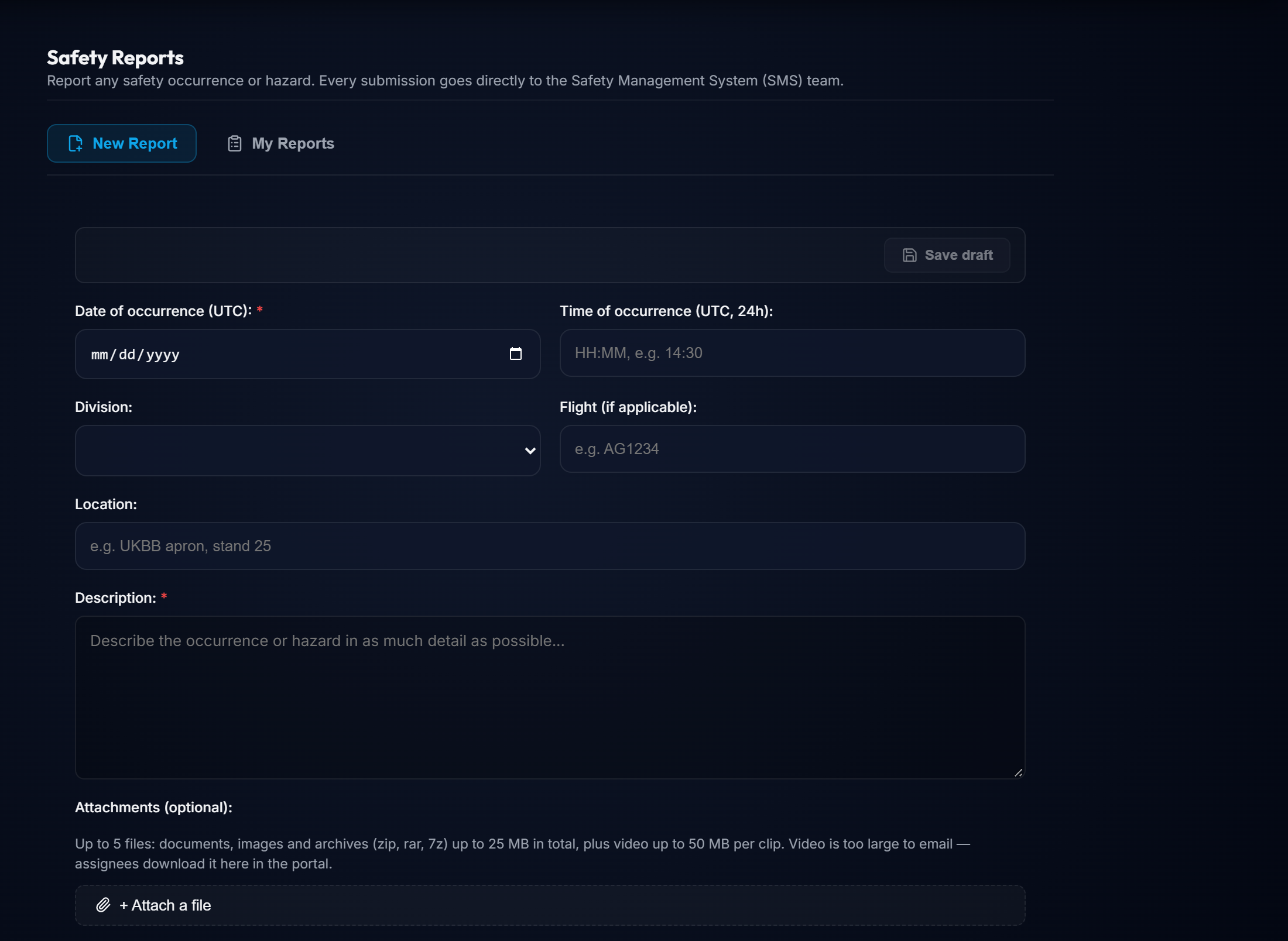
Safety Occurrence Intake Form
Detailed submission interface featuring UTC timing, flight association, and anonymity toggles.
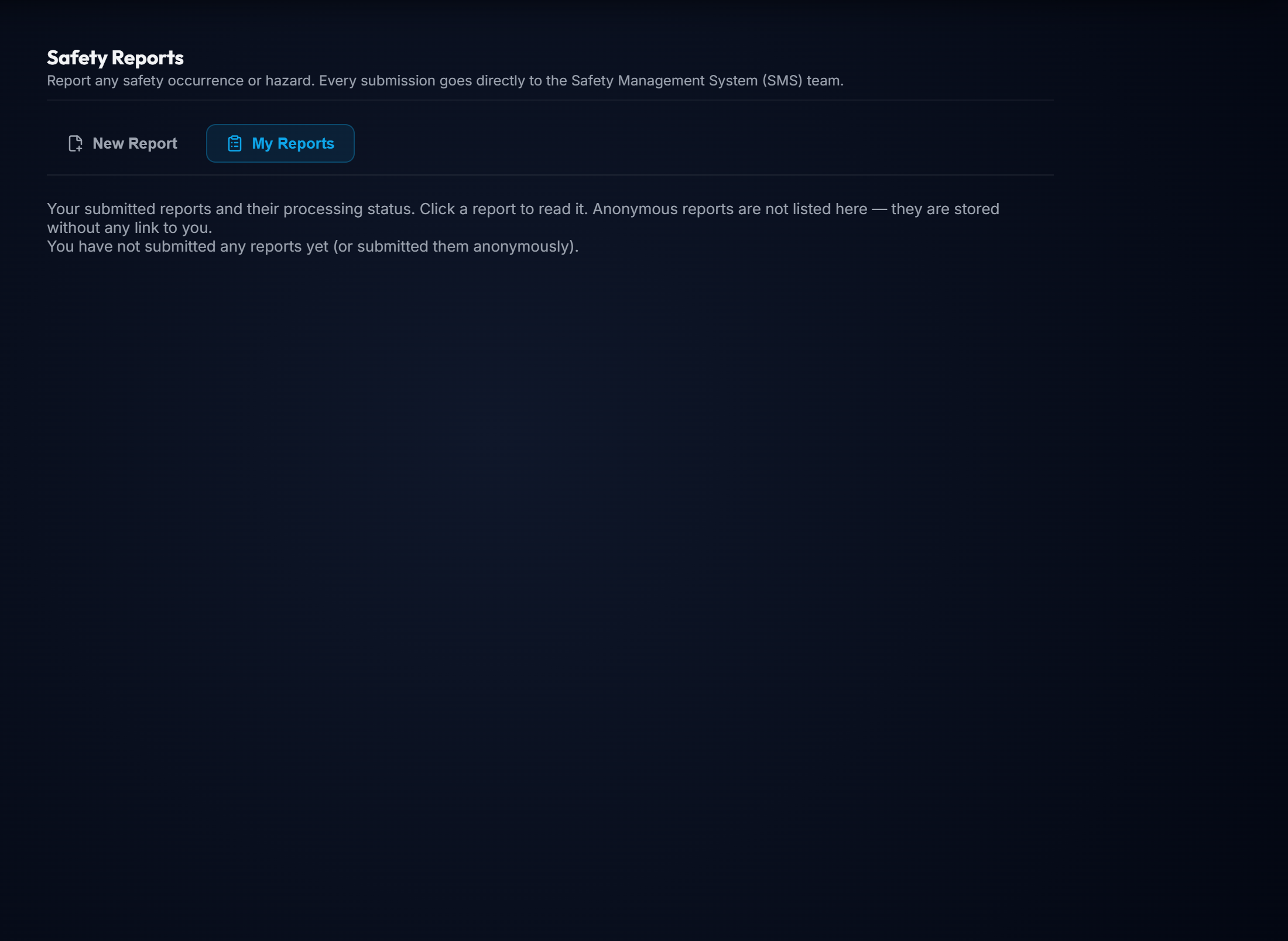
My Reports View
The personal reports view explains that anonymous submissions are not linked to the submitter.
Operational Workflow
From setup to everyday control.
A clear path from configuration to ongoing oversight.
Initiate Occurrence Report
Select occurrence date/time (UTC), aircraft tail number, flight number, and operational location (e.g. apron, taxiway, waypoint).
Select Reporting Tier
Choose between Voluntary, Confidential (restricted to safety team), or Anonymous reporting based on the sensitivity of the report.
Attach Media & Evidence
Upload supporting documents, images, archives, or video. The form shows separate size limits for video and other attachments.
Safety Team Review
The SMS team receives categorized reports, determines risk severity matrices, and launches safety actions within traceable workflows.
Ready to evaluate Reports for your operation?
Request a technical demonstration of this module with representative operational data.